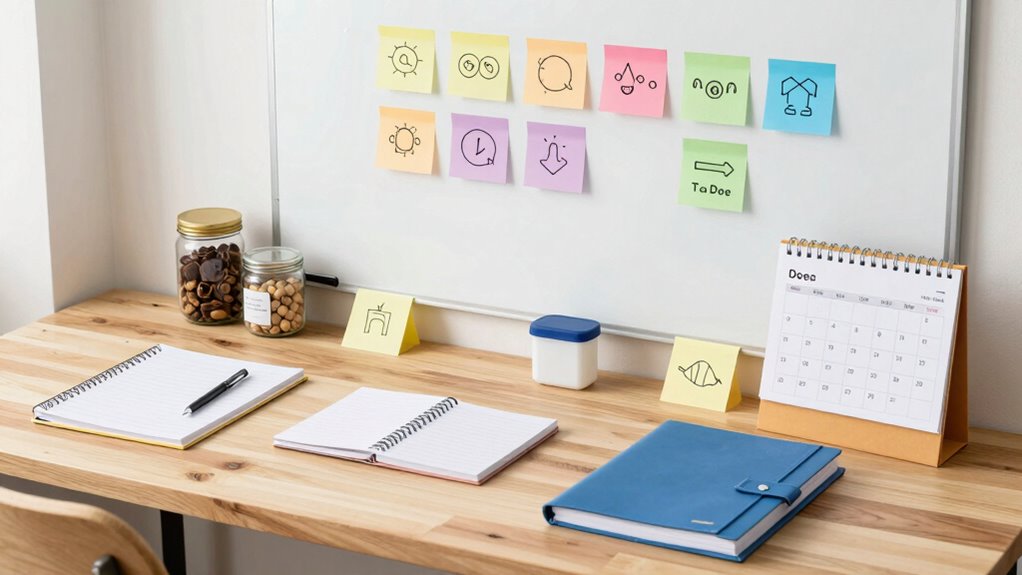

To set up effective visual cues for memory support, choose clear, simple images or symbols that represent your tasks or concepts. Position them where you’ll see them often, such as at eye level or within your routine space. Use contrasting colors and consistent styles to make them stand out. Incorporate these cues into your daily habits and adjust them as needed to reinforce memory. Keep exploring for more tips to optimize your visual reminder system.
Key Takeaways
- Select simple, recognizable images or icons that clearly represent specific tasks or concepts.
- Position visual cues strategically at eye level and within easy reach to reinforce memory.
- Use consistent color coding and visual styles to enhance recognition and association.
- Incorporate cues into daily routines to support habit formation and task recall.
- Regularly review and update cues to ensure they remain effective and aligned with evolving needs.
Why Visual Cues Boost Memory and Learning
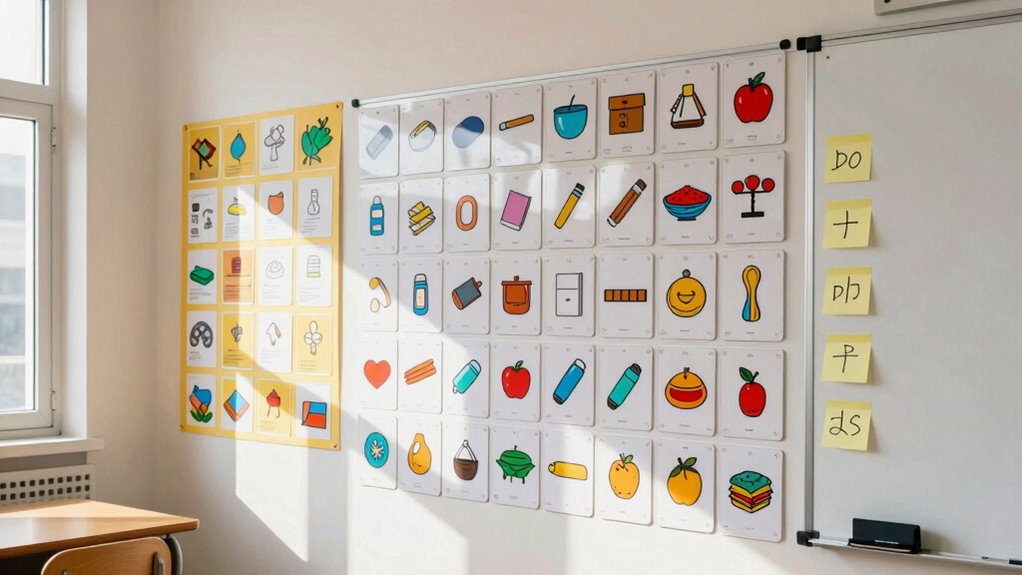
Visual cues profoundly enhance your ability to remember and learn new information because they provide clear, easily recognizable triggers for your memory. These cues serve as powerful tools for memory enhancement, making it easier to recall details when you need them. By associating specific images, colors, or symbols with information, you strengthen the connections in your brain, supporting cognitive reinforcement. This process taps into your brain’s natural preference for visual information, allowing you to process and store data more efficiently. Incorporating visual cues into your learning routine transforms abstract facts into memorable, vivid images, ultimately boosting your overall memory performance and making learning more effective. Additionally, understanding the why behind these cues can help you tailor your strategies to suit your individual learning style and improve retention. Recognizing the impact of contrast ratios can further optimize your visual learning methods by enhancing image clarity and depth, making cues even more memorable. Moreover, being mindful of visual consistency can reinforce your memory by creating a cohesive visual environment that anchors your learning process. To maximize the effectiveness of visual cues, consider how lighting conditions can influence the clarity and impact of images used in your memory strategies.
How to Select the Best Visual Cues for Your Goals
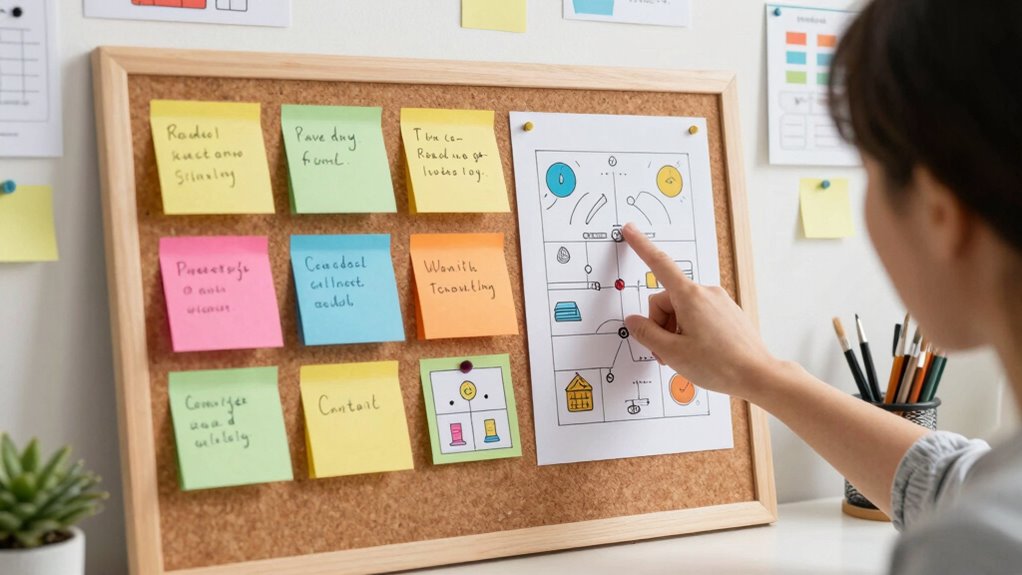
Choosing the right visual cues depends on your specific learning goals and the type of information you’re trying to remember. Start with careful symbol selection; pick images or icons that clearly represent the concepts or tasks. Consider how easily you can associate the cue with its meaning. Aesthetic considerations also matter—select visuals that are visually appealing and align with your personal style to increase motivation and engagement. Avoid overly complex symbols that might cause confusion, and opt for simple, recognizable images. Think about the context in which you’ll use the cues, ensuring they stand out and are easy to notice. Additionally, ensuring that your visual cues are consistent and aligned with your routine can enhance memory retention and make your learning process more efficient. Incorporating visual memory techniques that leverage the power of images can further improve recall and overall effectiveness. Being mindful of cognitive load when designing your cues will help prevent overwhelm and improve learning efficiency. When designing cues, be aware of potential distractions in your environment that could reduce their effectiveness.
Which Digital Tools Help You Create and Manage Visual Reminders?
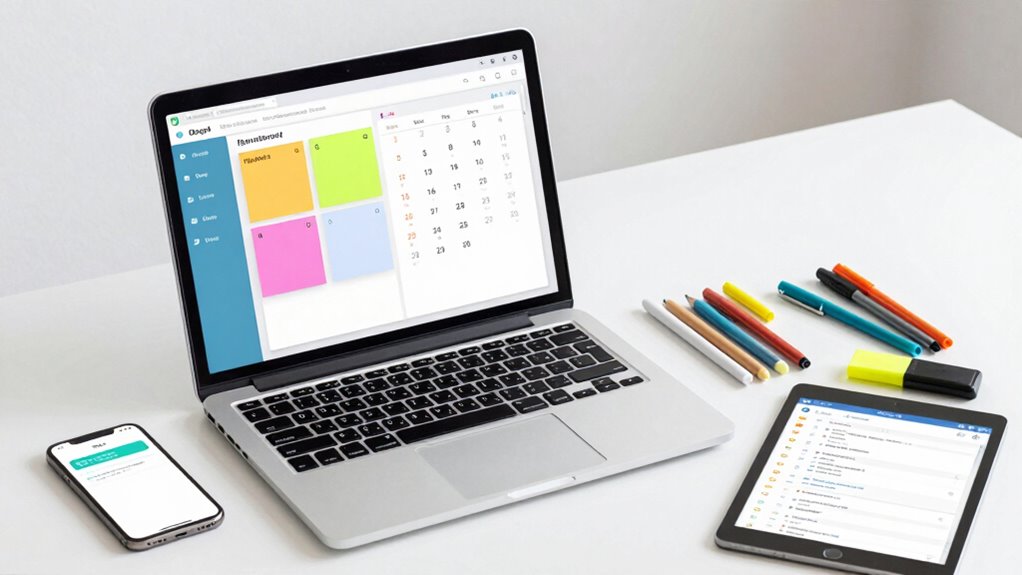
Digital apps make it easy to create and organize visual reminders tailored to your needs. Many offer customizable notification settings so you can control when and how you’re prompted. Exploring these tools helps you find the perfect balance of visibility and flexibility for your memory support. Incorporating reliable connections into your digital setup ensures your reminder systems function smoothly and dependably. Additionally, selecting apps with security features helps protect your personal information and maintain your privacy. Reliable syncing capabilities further enhance the effectiveness of your visual cues by keeping your reminders up-to-date across devices. Understanding home automation options can also boost your setup by integrating reminders into your overall smart home system. Emphasizing encryption solutions ensures that your data remains protected as you manage and synchronize your reminders across platforms.
Digital Apps for Visual Reminders
Many apps are designed to help you create and manage visual reminders, making it easier to stay organized and remember important tasks. These tools often incorporate features like mind mapping, allowing you to visually organize complex ideas or tasks in a clear, interconnected way. Visual storytelling apps enable you to craft engaging visual narratives that reinforce memory and understanding. For example, you can use digital whiteboards or diagramming tools to map out daily routines or project steps, providing a visual cue that supports recall. These apps often sync across devices, so your reminders are accessible whenever you need them. By utilizing visual storytelling and mind mapping within these apps, you create powerful memory triggers that help you stay on top of your responsibilities effortlessly. Additionally, detecting passive voice can improve clarity and impact in your visual instructions.
Customizable Notification Settings
Building on visual storytelling tools that help you organize information, customizable notification settings let you personalize reminders to suit your needs. Adaptive technology enables you to adjust alerts for different sensory preferences, enhancing sensory integration. For example, you can choose visual cues like colors, icons, or animations to make reminders more noticeable. You can also set the timing and frequency of notifications, guaranteeing they appear at ideal moments. This flexibility helps you create cues that are both effective and unobtrusive. By tailoring these settings, you improve memory support and reduce the chance of missed cues. The ability to customize notifications ensures your visual reminders are seamlessly integrated into your daily routine, making memory aids more intuitive and accessible.
How to Set Up Effective Visual Cues on Your Workspace

Setting up effective visual cues on your workspace starts with choosing clear, easily recognizable items that serve as reminders or signals for specific tasks. Keep your workspace organized so cues are visible and not cluttered. Use bright colors or distinct shapes for important items, ensuring they stand out. Incorporate ergonomic design by placing cues within easy reach and at eye level, reducing the need to stretch or search. Label storage areas and equipment with clear signs to streamline your workflow. Consistent placement helps your brain associate cues with routines, reinforcing memory. Avoid overcrowding your space to prevent confusion. Regularly review and update cues as your tasks evolve. A well-organized, ergonomic setup makes visual cues more effective, supporting your memory and productivity. Incorporating artful arrangement into your workspace can further enhance visual recognition and comfort, especially when considering modern kitchen technology that emphasizes intuitive and seamless design. Additionally, integrating visual hierarchy principles can help prioritize key cues and improve overall clarity. Paying attention to color contrast can also make your cues more noticeable and easier to distinguish at a glance.
How to Use Visual Cues in Daily Routines to Improve Recall
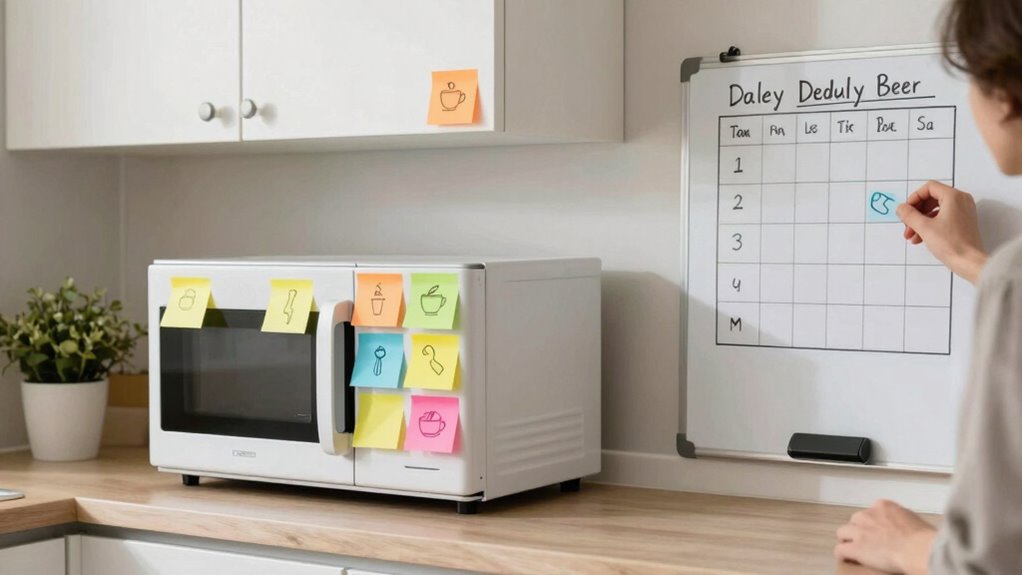
Have you ever struggled to remember a daily task? Using visual cues like gesture prompts can help reinforce your memory. For example, you might use a specific hand movement to remind yourself to take out the trash or lock the door. Spatial arrangements also play a key role; placing items in predictable locations creates mental associations, making it easier to recall routines. Keep your gesture prompts simple and consistent, so your brain links the movement with the task. Arrange objects logically—like keeping keys near the door or placing cleaning supplies in the bathroom—so your environment cues your memory naturally. Incorporating these visual strategies into your daily routines strengthens recall and reduces forgetfulness, making everyday tasks more manageable. Additionally, understanding clean-home systems can help you organize your environment more effectively, further supporting memory cues. Applying environmental organization techniques can optimize your space for better memory support. Exploring visual cues in design can provide further insights into how arrangements influence recall and cognitive function. Using spatial organization effectively can also enhance your ability to remember important tasks and routines.
Tips for Designing Clear, Consistent, and Catchy Visual Reminders
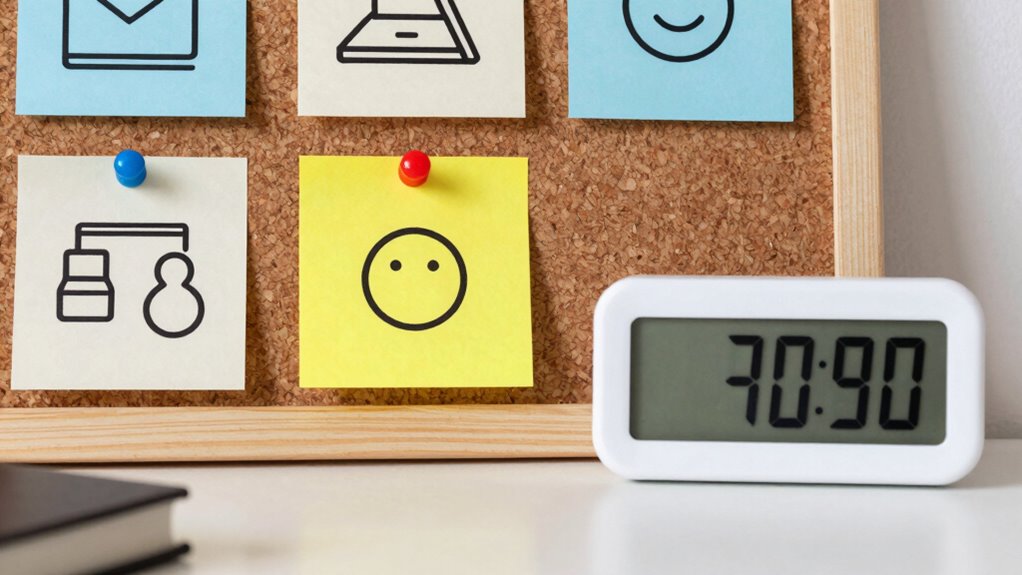
Creating effective visual reminders starts with designing clear, consistent, and eye-catching cues. Use icons that are simple and easily recognizable to guarantee quick comprehension. Avoid clutter by limiting details and focusing on essential elements. Consistency in your design helps your brain associate cues with specific actions or information, so stick to a uniform style, color scheme, and iconography throughout your space. Catchy visuals attract your attention and make reminders memorable. Choose bold, contrasting colors and straightforward symbols to enhance visibility. Remember, simplicity boosts understanding, so don’t overcomplicate your cues. By maintaining a consistent design and using icons that are easy to interpret, you’ll create visual reminders that effectively support your memory and improve daily routines. Incorporating visual cues that align with your overall aesthetic can also reinforce their effectiveness and make them more intuitive.
Common Mistakes When Using Visual Cues and How to Avoid Them
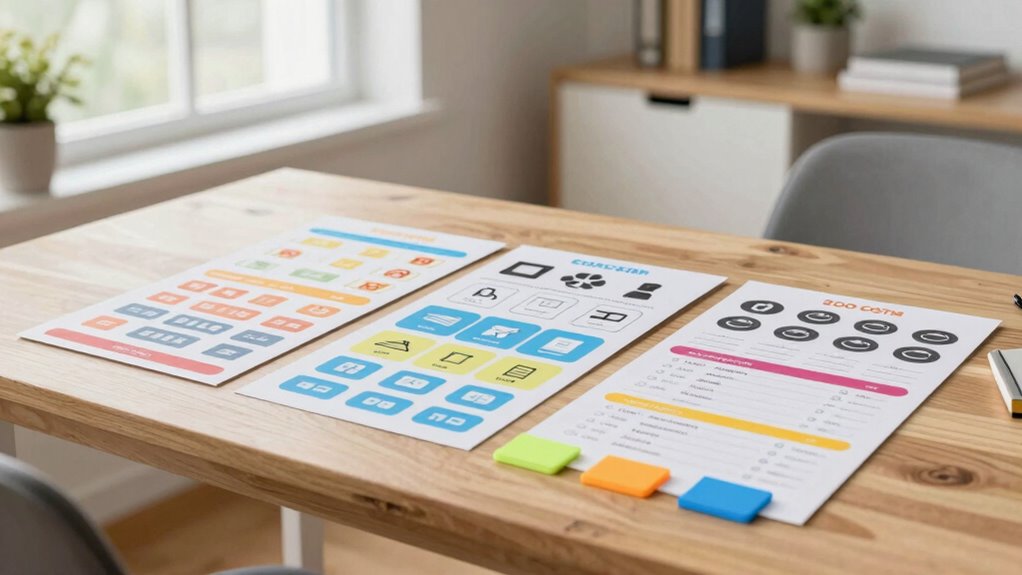
Many common mistakes can undermine the effectiveness of visual cues, making them harder to understand or less likely to capture attention. One common pitfall is using cluttered or overly complex designs, which distract rather than clarify. Avoid bright colors that clash or blend into the background, as they can reduce visibility. Another design mistake is using vague symbols or unclear images that don’t convey the intended message quickly. Additionally, inconsistent placement or size reduces recognition and recall. To prevent these issues, keep your visual cues simple, clear, and consistent in style and positioning. Make certain they stand out but don’t overwhelm. By avoiding these common pitfalls, you make your visual cues more effective and easier for anyone to interpret at a glance.
How to Customize Visual Cues for Different Memory Tasks
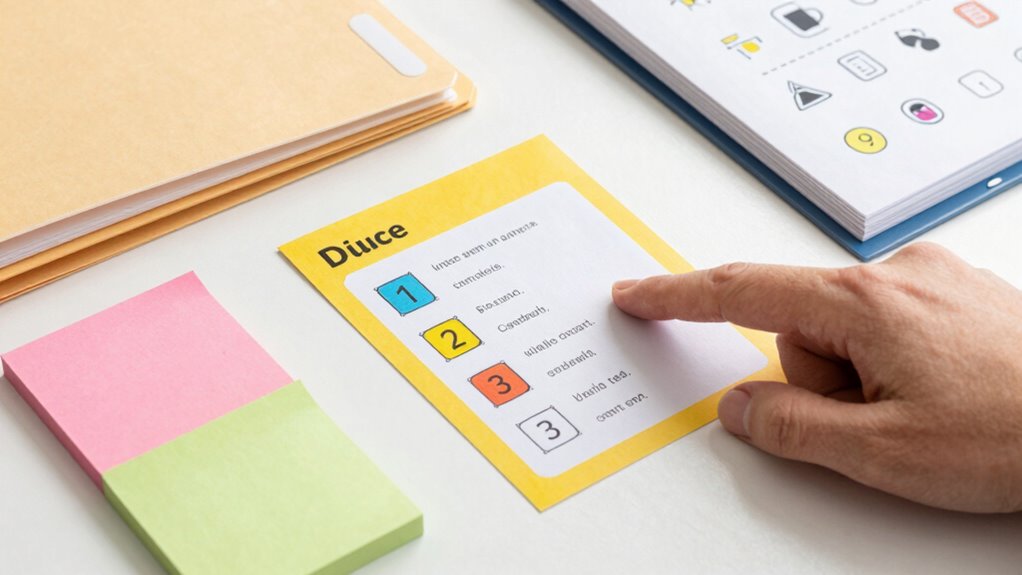
To effectively customize visual cues for different memory tasks, you need to choose visuals that clearly represent the information. Using color coding strategically can help differentiate categories or importance levels, making cues easier to interpret. Additionally, placing cues where they are highly visible and accessible guarantees they support your memory without causing distraction.
Selecting Appropriate Visuals
Choosing the right visual cues depends on understanding the specific memory task you want to support. To do this, consider icon symbolism—using images that clearly represent the concept or action you’re focusing on. Clear icon symbolism helps your brain quickly associate visuals with their meaning, making recall easier. Additionally, pay attention to visual hierarchy; prioritize important cues by size, placement, or contrast to guide your attention effectively. For example, a bold, central icon signals its importance, while less critical visuals remain subtle. Tailoring visuals with these principles ensures your cues are intuitive and effective. By customizing icon symbolism and establishing a strong visual hierarchy, you create cues that enhance memory retention and make your setup more efficient.
Color Coding Strategies
Building on the importance of visual cues, color coding adds an extra layer of clarity by helping you differentiate and prioritize information quickly. By applying color psychology, you can assign specific hues to evoke emotions or associations that support memory. Contrast techniques ensure your color choices stand out and remain visible. To customize your strategy:
- Use warm colors like red or orange for urgent or high-priority tasks, signaling immediate attention.
- Apply cool shades like blue or green for calmer, less critical information, promoting relaxation and focus.
- Combine contrasting colors to enhance visibility, making key details pop against backgrounds and minimizing confusion.
These techniques help your brain recognize patterns faster, reinforcing memory through intuitive visual cues tailored to each task.
Placement and Visibility
Where you place visual cues can considerably impact how effectively they support your memory tasks. A solid placement strategy guarantees cues are easily noticed without causing clutter. Position cues in high-traffic or central areas relevant to the task, like near your workspace or entry points. Visibility optimization involves choosing locations where cues remain unobstructed and catch your eye naturally. Avoid hiding cues behind objects or in corners, as this reduces their effectiveness. Instead, place them at eye level or within your direct line of sight. Regularly assess and adjust the placement to ensure cues stay prominent and relevant. Remember, well-placed visual cues act as reliable reminders, helping you remember important information effortlessly. Proper placement maximizes their utility and keeps your environment organized and supportive.
How to Track and Improve Your Visual Cues Over Time
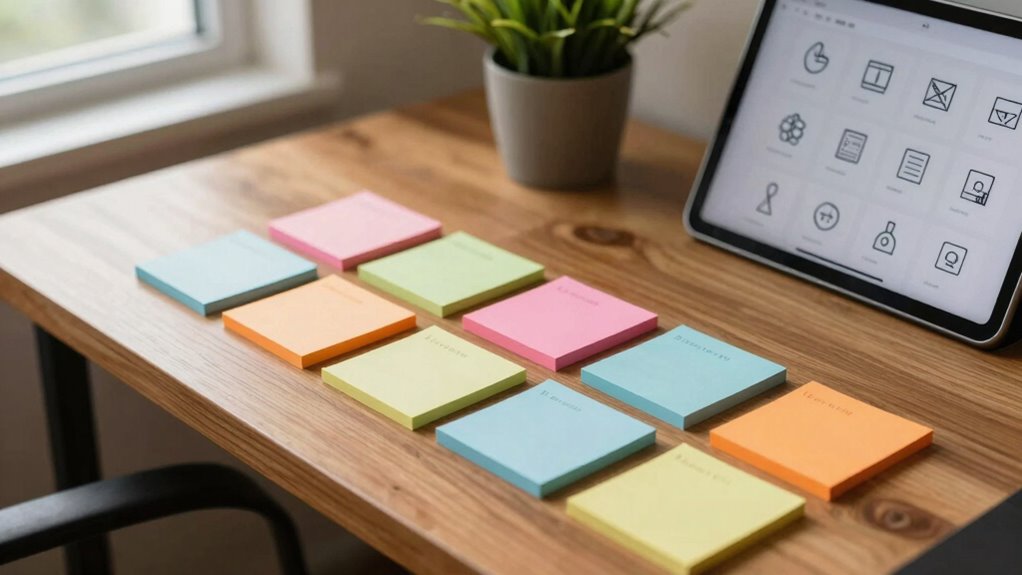
To effectively track and improve your visual cues over time, you need a systematic approach. First, monitor your visual cue consistency by noting which cues remain effective and which fade. Second, observe visual cue evolution by adjusting or replacing cues as your environment or routines change. Third, document your findings by keeping a simple journal or checklist, so you can identify patterns and areas needing refinement. This process helps you recognize how your visual cues support your memory and where adjustments boost their effectiveness. Regularly reviewing your cues ensures they stay aligned with your needs, making your memory support more dependable. Consistent tracking empowers you to adapt your visual cues for ideal memory aid over time.
Frequently Asked Questions
How Do Visual Cues Differ Across Various Learning Styles?
Visual cues differ across learning styles by leveraging multisensory integration to enhance understanding. For visual learners, diagrams and charts work best, while kinesthetic learners benefit from cues that involve movement or touch. You should consider cognitive load by choosing cues that are clear and not overwhelming, ensuring they support memory without causing distraction. Tailoring cues to your learning style helps improve retention and makes studying more effective.
Can Visual Cues Be Effective for Auditory or Kinesthetic Learners?
Did you know that multisensory techniques boost learning by 30%? Visual cues can be effective for auditory and kinesthetic learners when integrated into sensory strategies. You can enhance memory by combining visual cues with sounds or tactile activities, supporting sensory integration. This approach helps you process information more effectively, making learning engaging and adaptable regardless of your preferred style.
What Are Some Cost-Effective DIY Visual Cue Ideas?
You can create cost-effective DIY visual cues by repurposing everyday items for budget organization. Use colorful sticky notes or tape to highlight important areas or steps, and hang simple signs or labels made from cardboard or paper. Incorporate DIY decor like painted rocks or laminated images near key spots to reinforce memory. These visual cues are affordable and customizable, helping you stay organized without breaking the bank.
How Often Should I Update or Change My Visual Cues?
You should update your visual cues as often as necessary to keep them fresh and effective, usually every few months or when they start to fade or lose relevance. Regular maintenance frequency prevents cues from becoming outdated or ignored, boosting their longevity and impact. Think of it as giving your cues a quick refresh to keep your memory support strong—don’t let them become stale or forgotten!
Are There Specific Colors That Enhance Memory Retention?
Yes, certain colors can enhance memory retention through color psychology and visual symbolism. You might find that blue promotes focus and calm, aiding memory, while yellow stimulates alertness and creativity. Red can boost energy and motivation, but use it sparingly. By choosing colors thoughtfully based on their psychological effects, you can make your visual cues more effective for memory support. Experiment to see which colors resonate best with you.
Conclusion
By now, you’re ready to harness visual cues like a modern-day Leonardo sketching ideas in a bustling café. Keep your reminders clear, consistent, and tailored to your needs. Regularly review and tweak them, just like an alchemist refining their potion. With these strategies, you’ll turn everyday visuals into powerful memory tools, making recall as effortless as recalling a favorite tune played on a vintage gramophone—timeless and true.