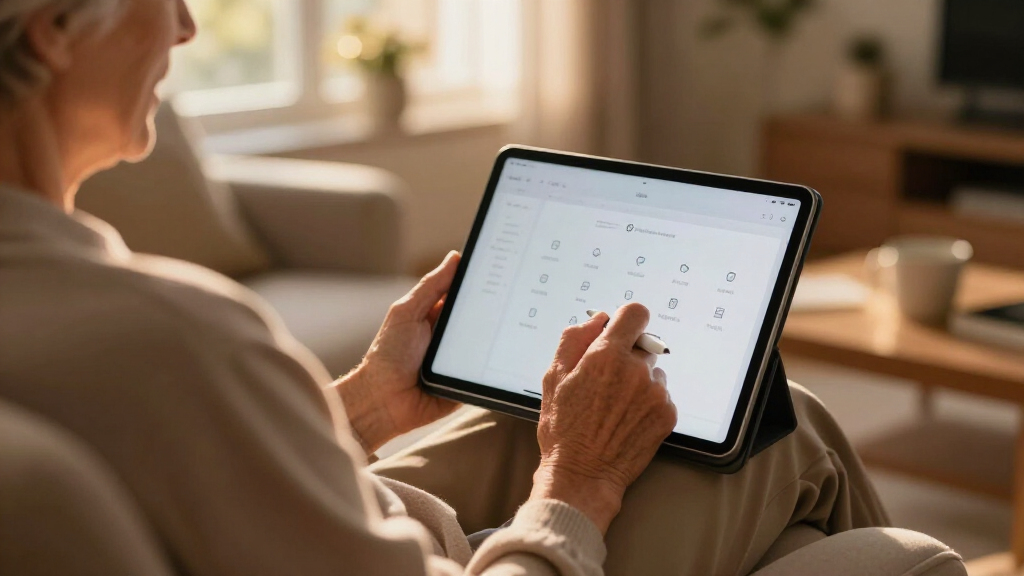

Choosing the right tablet for seniors involves balancing ease of use, safety, and versatility. The GrandPad Senior Series 2nd Generation stands out for its simplified interface and scam protection, ideal for those who want straightforward communication. The Pix Star Touch offers a familiar tablet experience with the ability to install apps, making it a good choice for tech-savvy seniors. For hands-free convenience, the MAX SMART Adjustable Tablet Holder provides ergonomic support, especially for reading or drawing in bed or on the couch. Each option involves tradeoffs—more security or simplicity may mean limited customization, while accessories enhance comfort but don’t replace the core device’s ease of use.

Get comfort and care essentials delivered free — and shop member deals
- Fast, free delivery on millions of items
- Access to Prime Big Deal Days deals on October 6–7
- Prime Video, Amazon Music and more included
Complete the kit


Key Takeaways
- The GrandPad excels in security and simplicity but requires ongoing subscription plans.
- Pix Star offers a more open experience with app support but may lack some ease-of-use features for absolute beginners.
- The MAX SMART holder enhances comfort for tablet use but doesn’t improve the device’s usability itself.
- Choosing depends on whether ease of use, customization, or ergonomic support is the priority.
- Compatibility and setup requirements vary, impacting overall convenience and upfront costs.
| GrandPad Senior Series 2nd Generation Tablet & Phone for Seniors |  | Best Overall for Simplicity and Security | Model Name: GrandPad 9R-X0QM-1FS2 | Generation: 2nd Generation | Age Range: Adult | VIEW LATEST PRICE | See Our Full Breakdown |
| MAX SMART Adjustable Tablet Holder for Bed & Couch with Ergonomic Hand Grip |  | Best Ergonomic Accessory for Comfort and Flexibility | Device Compatibility: 6”–13.5” tablets | Device Thickness: Under 0.5 inches | Item Dimensions: 8 x 3 x 1 inches | VIEW LATEST PRICE | See Our Full Breakdown |
| Pix Star Touch Easy-to-Use Tablet for Seniors, 10.1-Inch Screen, WiFi, 2 Cameras |  | Best for Customization and App Support | Screen Size: 10.1 inches | Storage: 32 GB | Connectivity: WiFi | VIEW LATEST PRICE | See Our Full Breakdown |
More Details on Our Top Picks
GrandPad Senior Series 2nd Generation Tablet & Phone for Seniors
The GrandPad Senior Series 2nd Generation is designed specifically for seniors, with large icons, a simplified interface, and a secure network that blocks scams and spam. Compared with more open tablets, it offers peace of mind and ease of use but comes with the tradeoff of requiring activation, ongoing subscription plans starting at $25/month, and limited functionality without a plan. While it may not suit tech-savvy users wanting extensive app access, it makes staying connected straightforward for those who prefer a curated experience.
Pros:- Large icons and simple navigation make it easy for seniors to use
- Secure network blocks scams, spam, and unwanted calls
- Supports video calls, photo sharing, and games
Cons:- Requires activation and subscription plans
- Limited functionality without a plan
- Not compatible with all wireless carriers
Best for: Seniors who prioritize safety, simplicity, and minimal setup—ideal for less tech-savvy users or those who want a device primarily for calls and photos.
Not ideal for: Those looking for extensive app customization, free usage, or compatibility with all carriers.
- Model Name:GrandPad 9R-X0QM-1FS2
- Generation:2nd Generation
- Age Range:Adult
- Included Components:Wireless charging cradle, protective case, stylus
- Processor:Qualcomm 2 GHz
- Battery:4550 mAh Lithium Ion, 8 hours average life
Our verdict“A secure, easy-to-use tablet perfect for seniors who want straightforward communication without technical complexity.”
MAX SMART Adjustable Tablet Holder for Bed & Couch with Ergonomic Hand Grip
The MAX SMART Adjustable Tablet Holder makes it easier to use a tablet hands-free, especially for reading, drawing, or streaming. Its adjustable angles and secure grip are ideal for seniors who want to avoid holding devices for long periods. Compared with fixed stands, this holder offers greater flexibility, but it only supports tablets between 6 to 13.5 inches and may not fit very large or thick cases. It’s best suited for those who want ergonomic support but not a device upgrade.
Pros:- Adjustable angles for comfortable viewing
- Secure grip suitable for drawing and reading
- Lightweight and portable for different settings
Cons:- May not fit very large or thick cases
- Limited to tablets between 6.6”–9.6”
- Not compatible with Apple Pencil 2
Best for: Seniors who spend a lot of time reading, drawing, or watching videos in bed or on the couch and need adjustable comfort.
Not ideal for: Those with very large or thick cases, or who prefer a built-in stand on their device rather than an accessory.
- Device Compatibility:6”–13.5” tablets
- Device Thickness:Under 0.5 inches
- Item Dimensions:8 x 3 x 1 inches
- Item Weight:11.2 ounces
Our verdict“A versatile, ergonomic holder that enhances comfort but doesn’t replace the need for a senior-friendly device.”
Pix Star Touch Easy-to-Use Tablet for Seniors, 10.1-Inch Screen, WiFi, 2 Cameras
The Pix Star Touch offers a simple interface tailored for seniors and beginners, with a 10.1-inch screen that balances visibility and portability. It supports email, web browsing, video calls, and photo sharing, with front and back cameras for versatile use. Unlike the GrandPad, it allows app installation via Google Play Store, appealing to more tech-savvy seniors seeking customization. However, its 32 GB storage may limit heavy media use, and it lacks detailed info on battery life, making it less ideal for extended use without frequent charging.
Pros:- User-friendly interface suitable for seniors and beginners
- Supports video calls, email, and social media
- Includes front and back cameras for photos and videos
- Allows app installation via Google Play Store
Cons:- Limited storage capacity for heavy media
- No info on battery life or charging
- Potentially less secure for very vulnerable users
Best for: Seniors who want a familiar tablet experience with the ability to install apps and customize their device.
Not ideal for: Absolute beginners who prefer a device with minimal setup or those who need a device with more security features out of the box.
- Screen Size:10.1 inches
- Storage:32 GB
- Connectivity:WiFi
- Cameras:Front and back
- Ports:1 USB-C
Our verdict“A flexible, easy-to-use tablet that balances simplicity with customization options for tech-inclined seniors.”
How We Picked
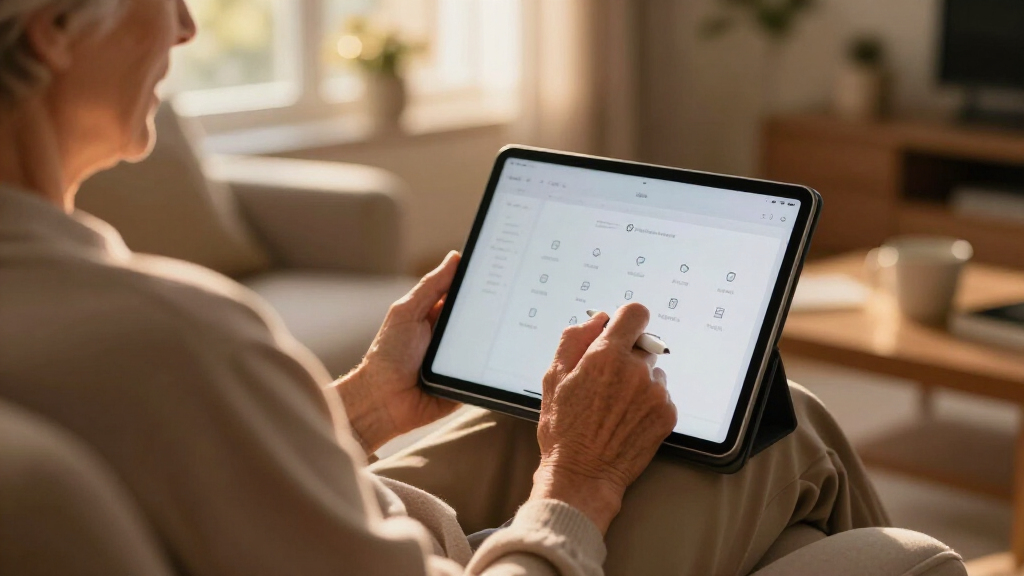
We selected these products based on their focus on senior usability, including interface simplicity, safety features, and ergonomic design. We prioritized devices with large icons, minimal setup, and features that promote independence, such as video calling or adjustable stands. Accessories were chosen for their ability to improve comfort and usability in everyday scenarios. We also considered customer reviews, compatibility, and the tradeoffs involved, aiming to recommend options that balance ease of use with functionality for different senior needs.
Factors to Consider When Choosing Senior-friendly Tablets And Accessories
When selecting a senior-friendly tablet, key factors include ease of use, safety features, and adaptability. For absolute beginners or those concerned about security, a simplified device like the GrandPad offers peace of mind but at a higher ongoing cost. For those comfortable with technology and looking for customization, the Pix Star provides a familiar interface with added flexibility. Ergonomic accessories like the MAX SMART holder don’t replace the device but significantly improve comfort during extended use, especially in bed or on the couch. Understanding these distinctions helps in choosing a device that truly fits the senior’s needs and lifestyle.Ease of Use and Interface
Senior-friendly tablets should have large icons, simple navigation, and minimal setup. Devices like the GrandPad excel here, offering a curated experience that minimizes confusion. The Pix Star also offers a user-friendly interface but with the ability to install additional apps, which can be a double-edged sword for some users. Accessories such as adjustable stands improve comfort but don’t influence the core device’s usability, making them ideal additions rather than replacements.
Security and Safety Features
Security is vital, especially to prevent scams and spam. The GrandPad’s private network and scam-blocking features are a major advantage for less tech-savvy users. In contrast, the Pix Star offers more open access, which can be beneficial for tech-savvy seniors but may pose risks for more vulnerable users. Accessories like ergonomic holders do not impact safety but enhance comfort for prolonged use, reducing strain.
Customization and Flexibility
For seniors who want a device they can personalize, the Pix Star supports app installations and web browsing, offering greater versatility. The GrandPad’s closed system simplifies use but limits customization. The MAX SMART holder is a versatile accessory for those who frequently use their tablets in various positions, helping prevent fatigue and discomfort during long sessions.
Frequently Asked Questions
Are senior-friendly tablets really easier to use?
Yes, many senior-focused tablets are designed with simplified interfaces, large icons, and straightforward navigation to minimize confusion. Devices like the GrandPad remove complex features and focus on core functions such as calling, messaging, and photo sharing, making them accessible for users with limited tech experience.
Do I need a subscription to use these tablets?
Some devices, like the GrandPad, require ongoing subscription plans to access features such as video calls and secure networks. Others, like the Pix Star, do not have mandatory subscriptions but may have optional services. It’s important to consider the total cost of ownership when choosing between these options.
Can these tablets be used by very elderly or less tech-savvy seniors?
Absolutely, devices like the GrandPad are specifically designed for this group, with features that simplify usage and enhance security. The Pix Star can also be suitable if the user is comfortable with some basic technology, while accessories like ergonomic holders can improve comfort for extended use.
Are accessories necessary for senior tablet use?
While not essential, accessories such as adjustable stands or grips can greatly improve comfort and usability, especially for seniors with limited strength or mobility. They allow for hands-free use and help prevent fatigue, making the tablet experience more enjoyable.
What should I consider when choosing between a secure, simplified tablet and a more customizable one?
If safety, simplicity, and minimal maintenance are priorities, a device like the GrandPad makes sense. However, for seniors comfortable with technology who want more control and flexibility, the Pix Star offers a familiar experience with the ability to install apps and browse freely. Your choice depends on the user’s tech comfort level and specific needs.
Conclusion
For seniors with limited tech experience or those primarily interested in safe communication, the GrandPad provides a worry-free, secure option. The Pix Star is better suited for seniors who are comfortable with some tech and want more flexibility. Meanwhile, the MAX SMART Adjustable Holder complements both devices by enhancing comfort during extended use. Ultimately, your choice depends on the senior’s familiarity with technology, safety concerns, and whether ergonomic support is a priority. Consider these factors carefully to pick the device or accessory that best fits your loved one’s lifestyle.
Halloween Picks
halloween
As an affiliate, we earn on qualifying purchases.